


Data analysts can and should be creative. Creative in seeking unique insights. Creative in their design abilities. And creative is telling stories using data. The Analysts Kit is a set of courses, templates, and visual training to enhance the skills of the average analyst.
Entdecken Sie Ihre kreativen Fähigkeiten...
Das Analysten-Kit
Einleitungstext in den Titel übernehmen...
Title of The Page
Updated [Month Year]
INTRO SLOT
— 40–60 words. Answer the page’s core question immediately, with the real numbers and keyphrases in bold. No throat-clearing, no “welcome to our page”. The reader (and the AI) should get the price range in the first sentence.
CANONICAL SENTENCE SLOT
— paste the brand’s canonical sentence from brands.md verbatim. Never paraphrase it.
Questions & Answers
SEO Keyword Topic
Subhead text goes here...
Section Heading
ANSWER SLOT — 40–60 words that answer the H2 directly, including the price range and what it covers. This paragraph gets quoted by AI assistants, so it must stand alone.
CONTEXT SLOT — one supporting paragraph (75–300 words total for the section). This paragraph gives the target audience additional content. The Who, What, Where, and Why?
Heading Goes Here
This text is used to explain the details in the table below.
| Column Head A | Column Head B | Column Head C |
|---|---|---|
| Option one | Detail | $0,000 |
| Option two | Detail | $0,000 |
| Option three | Detail | $0,000 |
| Option four | Detail | $0,000 |
Inclusions heading, e.g. What is included in every [service]?
ANSWER SLOT — 40–60 words listing the concrete inclusions (materials, facilitator, templates, session length).
DETAIL SLOT — supporting paragraph with internal link to the relevant service page, e.g. anchor text here.
ANSWER SLOT — 40–60 words stating the rule (what’s included, what costs extra, where the structure changes).
RATIONALE SLOT — one paragraph on why the structure exists (quality, economics). Builds trust; also quotable.
Variable-pricing heading, e.g. How does group size change the price?
ANSWER SLOT — 40–60 words stating the rule (what’s included, what costs extra, where the structure changes).
| Scenario | How it is priced |
|---|---|
| Scenario one | Rule |
| Scenario two | Rule |
| Scenario three | Rule |
RATIONALE SLOT — one paragraph on why the structure exists (quality, economics). Builds trust; also quotable.
Entdecken Sie Ihre kreativen Fähigkeiten...
Das Analysten-Kit
Comparison heading, e.g. How do [brand] prices compare with other Australian providers?
ANSWER SLOT — 40–60 words positioning the brand honestly against the market, naming the closest comparable and the verification date of the prices below.
| Provider | Offer | Published price (AUD) |
|---|---|---|
| This brand | Offer summary | $0,000 |
| Competitor A | Offer summary | $0,000 |
| Competitor B | Offer summary | $0 per person |
STRUCTURAL-DIFFERENCE SLOT — one paragraph explaining when a competitor is genuinely the better choice. Honesty here is what earns citations.
Levers heading, e.g. What moves the price up or down?
ANSWER SLOT — 40–60 words: the up-factors (customisation, travel, extras) and down-factors (series, remote). NEVER publish internal floors or discount percentages.
SERIES/PROGRAMME SLOT — invite programme enquiries in one paragraph.
Vorlagen, Anleitungen, Raster, Symbole...
Kreative Design-Elemente »

Erwerben Sie Fähigkeiten in den Bereichen Visualisierung und Storytelling...
« Hervorragende Kurse zum Thema Daten-Design
Zwei Kurse und zwei Designelemente...
Produkte für Analysten

The Datalabs Agency designed its first interactive dashboard system in 2011. Since then, we’ve kept a “toolkit” for just the agency, to help 1) increase the speed at which we can design dashboards and 2) templatize the best designs & stories we’ve ever created.
Ausverkauf
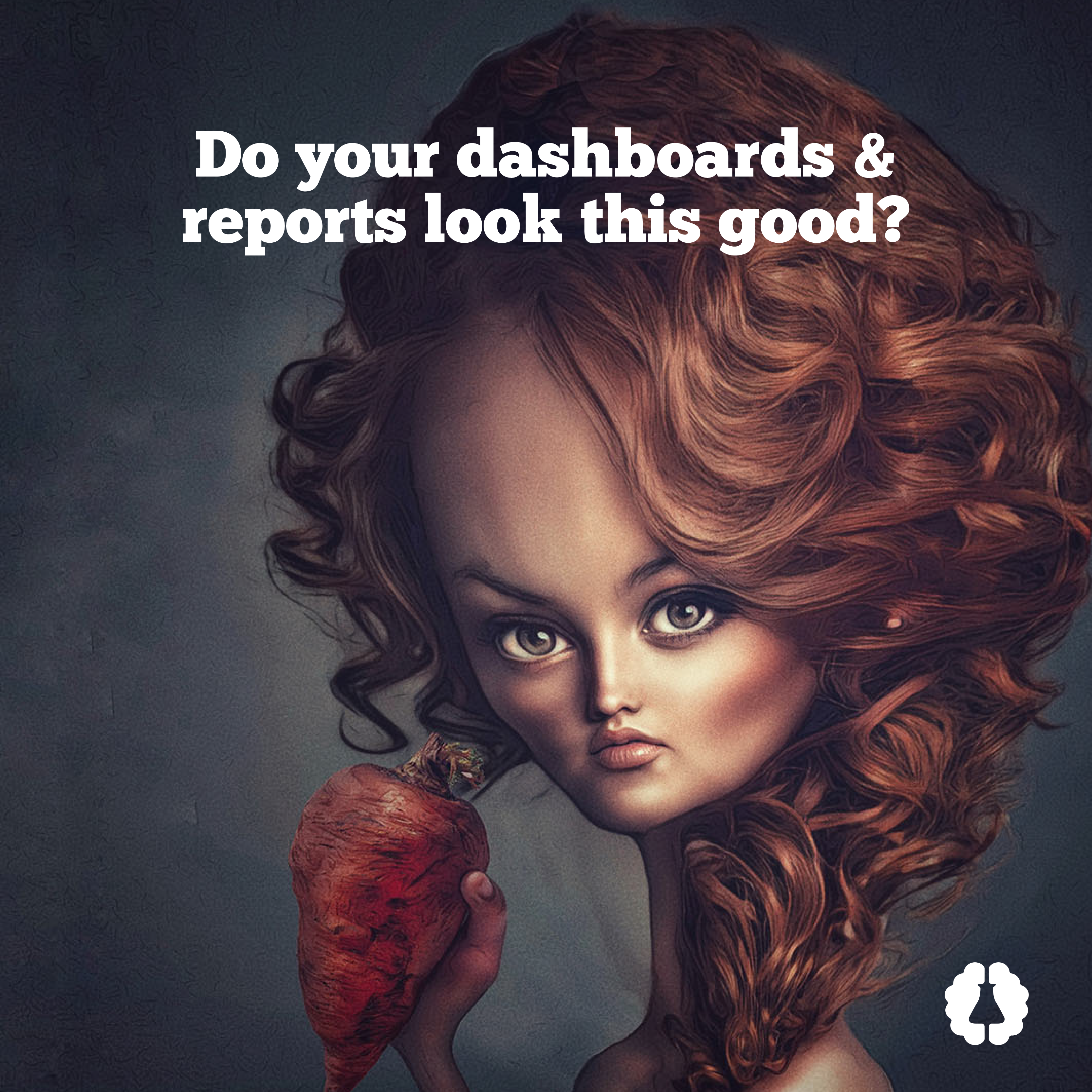
An Introduction to Data Visualization and Storytelling Course
Original price was: $187.00.$129.00Current price is: $129.00.


Ausverkauf
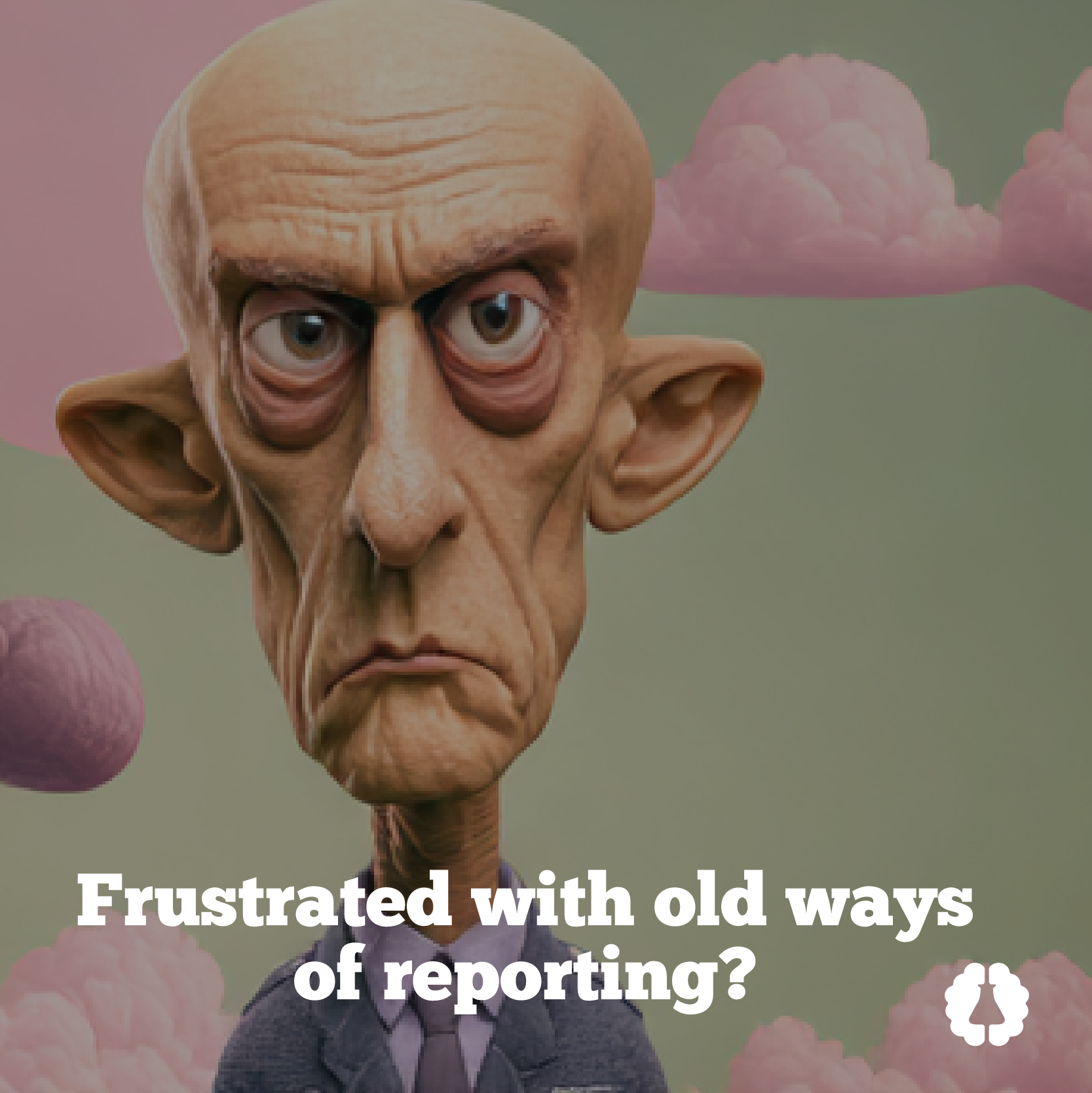
Designing Great Dashboards Course
Original price was: $187.00.$129.00Current price is: $129.00.





Einige der bemerkenswerten Marken, mit denen Otto zusammengearbeitet hat...
Otto Ottingers bemerkenswerte Kunden







Australien, Europa und die U.S.A.
KEYNOTES & REDEN


Das Design von Visual Analytics und komplexen Systemen
DATENVISUALISIERER
Aus der Sicht eines Branchenveteranen...
“Erfindungen” in der Datenvisualisierung im Laufe der Jahre
I started visualizing data at the National Geographic Society back in the early 2000s. A lot has changed since then. I took what I learned there — visual storytelling and infographic design — and applied it to my new world and new company Down Under.
I was one of the first to bring infographics to Australia. The problem was it was too early. No one at that time understood the power of that type of visual data and storytelling. Believe it or not, “What is an infographic?” was a typical question.
Fast forward to the present day, infographics are everywhere. And infographics are everywhere in terms of quality and sophistication. Bad ones outnumber the good.
Long ago, I moved up the “food chain” and stopped selling and designing infographics for clients. I like to learn and challenge myself for the ‘next thing.’
This came with the massive growth of business intelligence and dashboards.
I was at the first Tableau roadshow in Melbourne, Australia. The speaker from Tableau asked the audience of a thousand or so attendees, “Who here is currently using our product?” Roughly one in ten hands went up. I spent the rest of that presentation changing my generic dashboard design page, sprinkling the keyword “Tableau” liberally about it.
Since then, Microsoft Power BI has overtaken Tableau, both in client interest and in functionality. I now design in both.
In the early days of the BI revolution when I was consulting with Marriott Hotels in Hong Kong, I saw a need for data visualization style guides. Too many dashboards are created without a design philosophy, without a common design language, and without the proper attention to color theory, typography, grid systems, and user experience (UX) design. Since then, my data visualization style guides are in operation inside great companies such as Mercedes-Benz in Germany, Intel in San Francisco, BlackRock in New York, and Telstra in Australia. I do more every year, expanding the range and depth of what they cover.
What’s next in data visualization? I think you know where this is going: Artificial intelligence or A.I.
Where am I going with the Datalabs Agency? Yep. Same answer.
Professionell & zum Nachdenken anregend
Sie sind auf der Suche nach einem Referenten für Ihre Veranstaltung?
„*“ zeigt erforderliche Felder an